



Disabling smartlock?
But what is Smartlock?
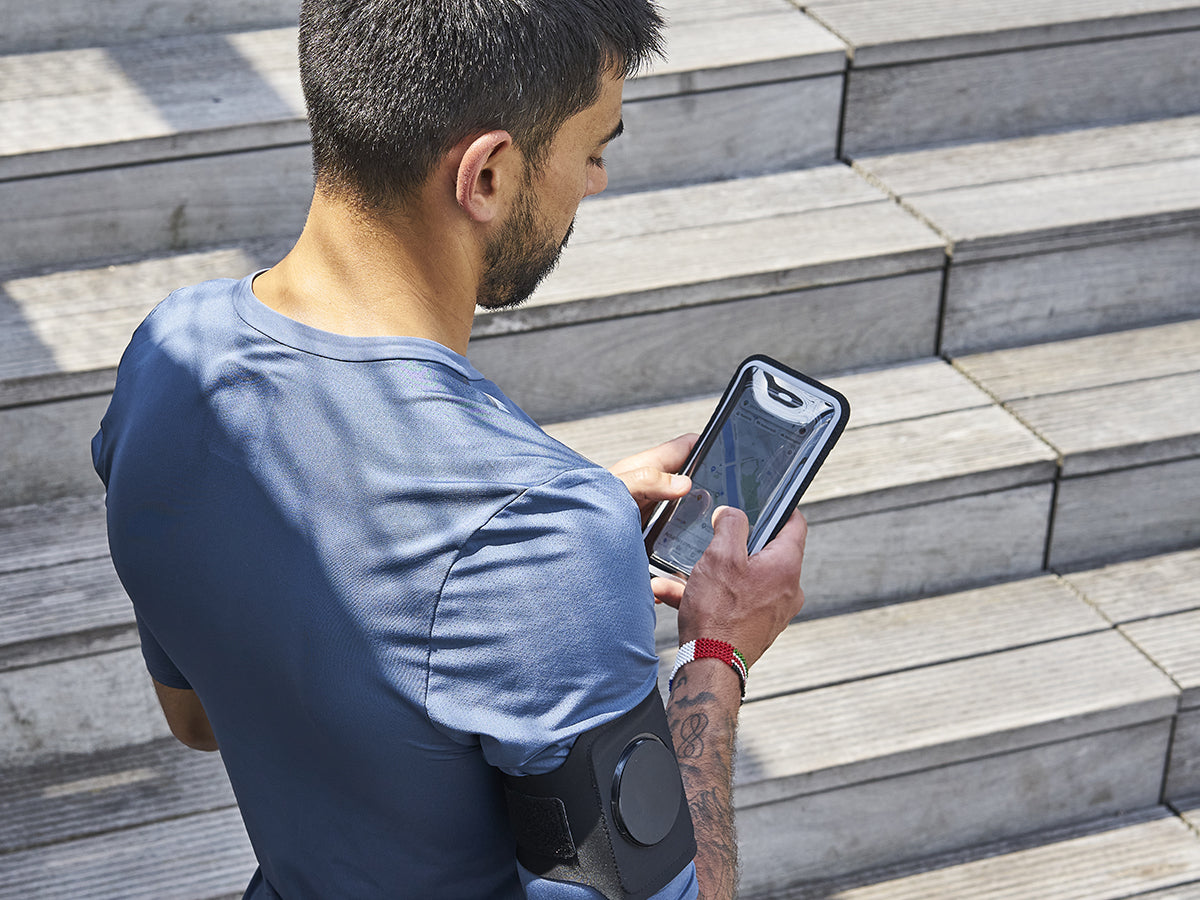
Problem: Your phone locks automatically when you place it on its Shapeheart magnetic mount (Magnetic Dock for bike, motorcycle and scooter products, or on the belt magnet or armband for running products)?
Our solution: Disable Smartlock
When you buy a case or cover (plastic or leather, portfolio style), it comes with a flap that primarily protects the screen from scratches, drops or even impacts. Not everyone knows this, but it also automatically controls the locking of your smartphone thanks to a small magnet — that's what smartlock is.
The phone turns off every time you close the case over the main screen.
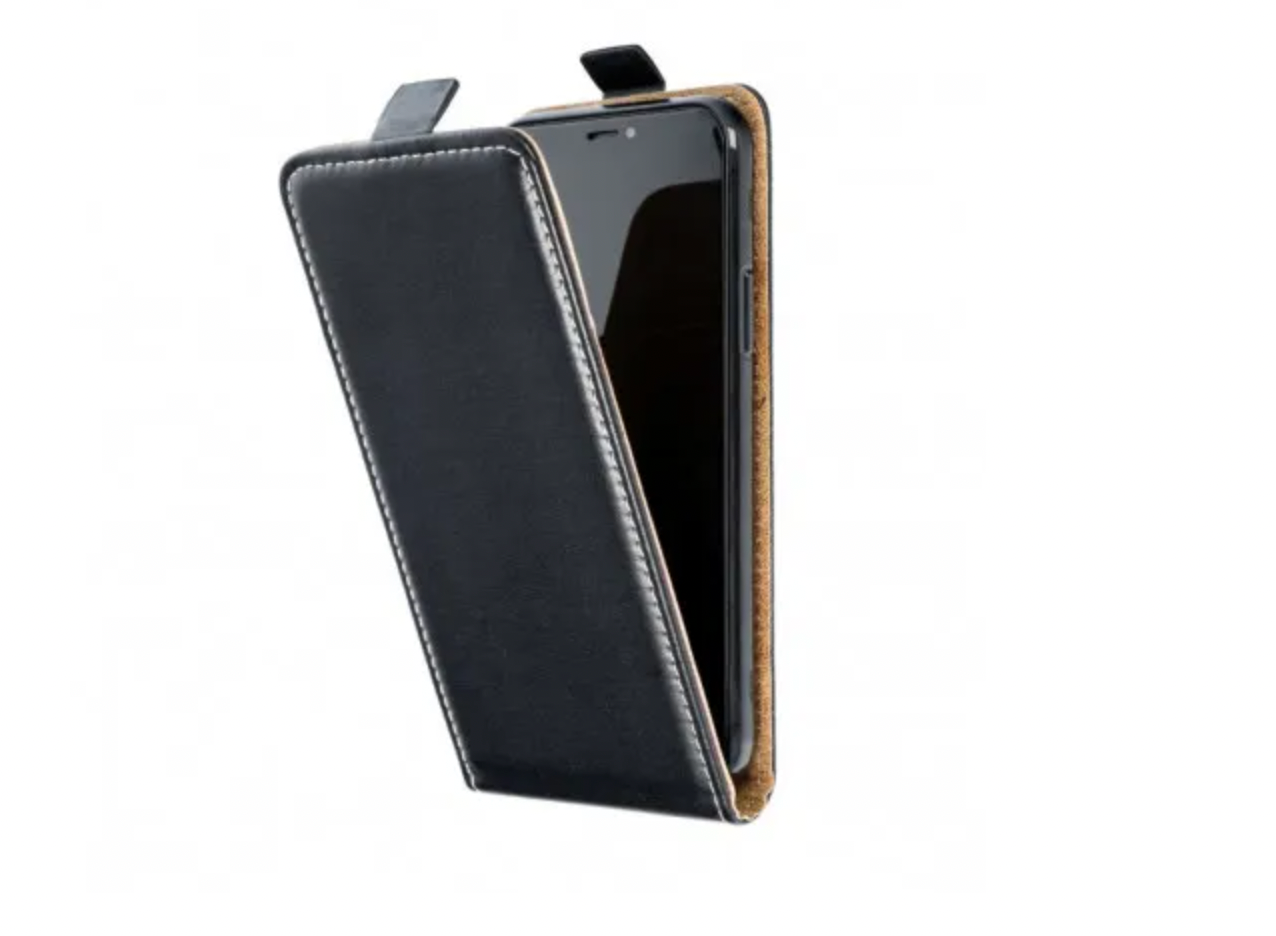
The phone locks automatically
On some newer generation phones, smartlock is automatically enabled. This means that when you use our running armbands or phone mounts for bikes or motorcycles, your phone screen may turn off as soon as it comes into contact with our product.
In fact, the slight magnetic field from our magnets very slightly affects the latch, which activates the smartlock and locks your smartphone screen — which is rather annoying…
So once the smartphone is placed on the mount, it detects a very weak magnetic field and locks up (goodbye GPS).
We've put together a quick little tutorial to disable the smartlock so it no longer bothers you during your run.
Our solution: How to disable it?
It's a relatively simple feature to configure.
You'll find a 3-step diagram with screenshots taken from a Samsung device, but all Android smartphones work in roughly the same way.
From your smartphone, go to Settings> Lock Screen> Smart Lock> On-body detection> Disable


Protect your phone whatever the weather:
-
Magnetic running belt
Regular price €29,95 EURRegular priceUnit price per -
Sports Belt
Regular price €24,95 EURRegular priceUnit price per -
Race Bib Belt
Regular price €12,95 EURRegular priceUnit price per -
Magnetic sport armband
Regular price €29,95 EURRegular priceUnit price per


Want to discover our latest articles...
View all-

iPhone 18 Pro: the best motorcycle mount
The iPhone 18 Pro (150.0 mm height) is compatible with the Shapeheart magnetic Sleeve in XL variant. Complete guide: dimensions, compatibility with or without case, and recommendation of the Moto...
iPhone 18 Pro: the best motorcycle mount
The iPhone 18 Pro (150.0 mm height) is compatible with the Shapeheart magnetic Sleeve in XL variant. Complete guide: dimensions, compatibility with or without case, and recommendation of the Moto...
-

iPhone 18: which motorcycle mount to choose?
Compatibility guide for motorcyclists who just purchased an iPhone 18 Pro or 18 Pro Max. Official dimensions, Shapeheart Sleeve size suited to each model, and recommendation of the Moto PRO...
iPhone 18: which motorcycle mount to choose?
Compatibility guide for motorcyclists who just purchased an iPhone 18 Pro or 18 Pro Max. Official dimensions, Shapeheart Sleeve size suited to each model, and recommendation of the Moto PRO...
-

Google Pixel 11: which motorcycle mount to choose?
The Google Pixel 11 is compatible with all Shapeheart magnetic Sleeves, with no additional accessories. However, its sophisticated OIS is sensitive to engine vibrations. This guide compares the Moto PRO...
Google Pixel 11: which motorcycle mount to choose?
The Google Pixel 11 is compatible with all Shapeheart magnetic Sleeves, with no additional accessories. However, its sophisticated OIS is sensitive to engine vibrations. This guide compares the Moto PRO...


